How Borrow Works
A simple, secure four-step journey built on mutual in-person inspection and synchronized two-way in-app confirmation.
Discover & Browse
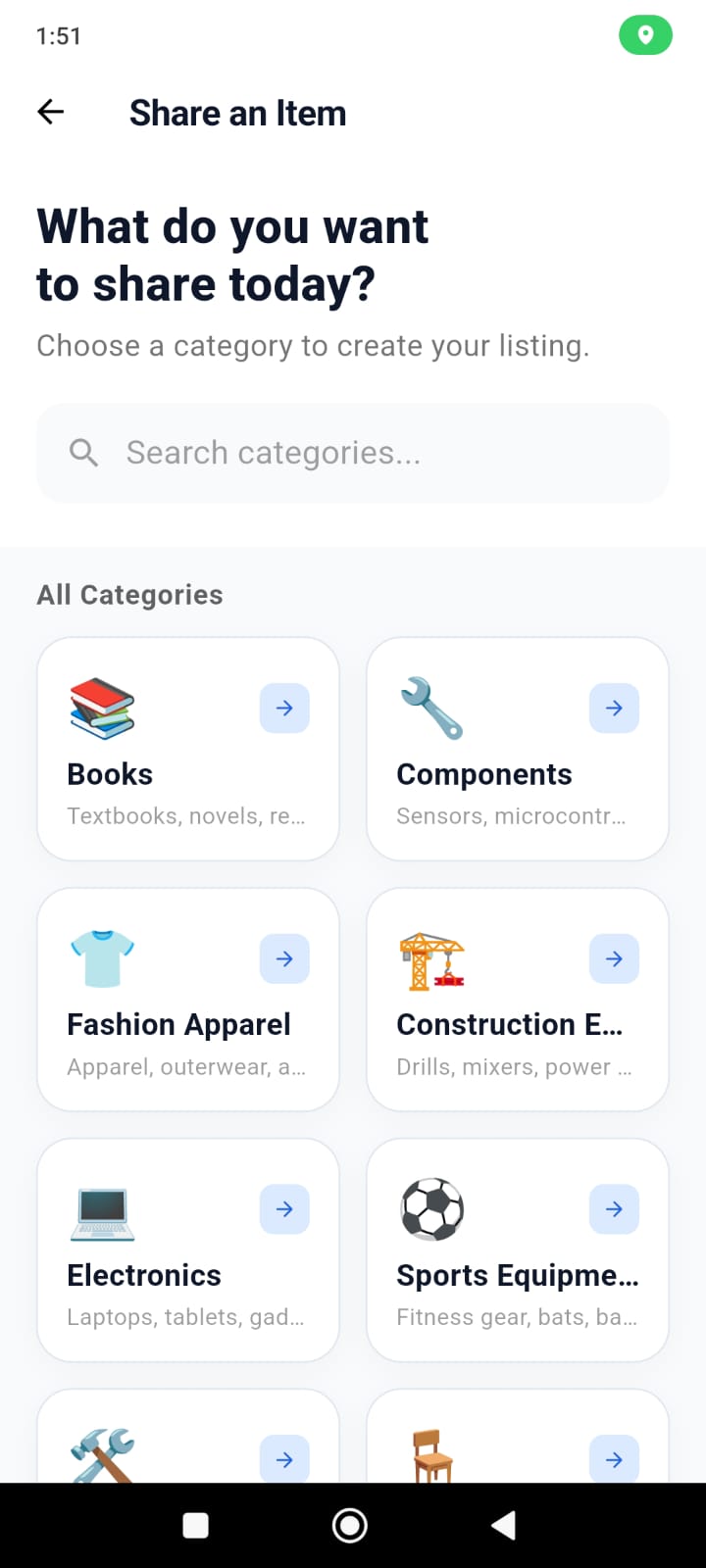
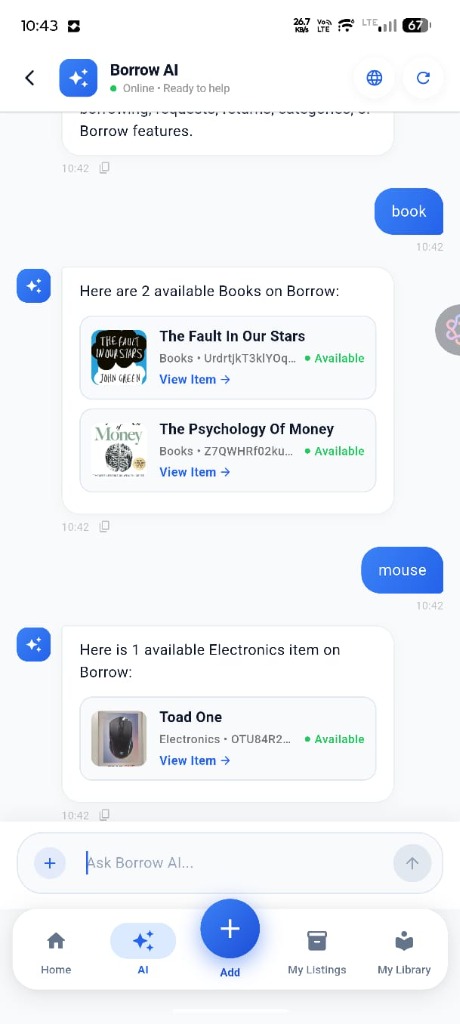
Explore gear shared across 6 curated categories: Books, Components, Fashion Apparel, Construction Equipment, Electronics, and Sports Equipment. View real photos and condition notes directly from peers in your community.
- Browse listings without mandatory GPS tracking or signup barriers.
- Inspect transparent condition ratings and owner availability notes.
Request or Share an Item
To Borrow: Pick your required dates and submit a request to the owner. Coordinate handover timing before meeting.
To Share: Select a category, add condition notes, and set your lending duration in seconds.
- Clear upfront scheduling ensures mutual availability.
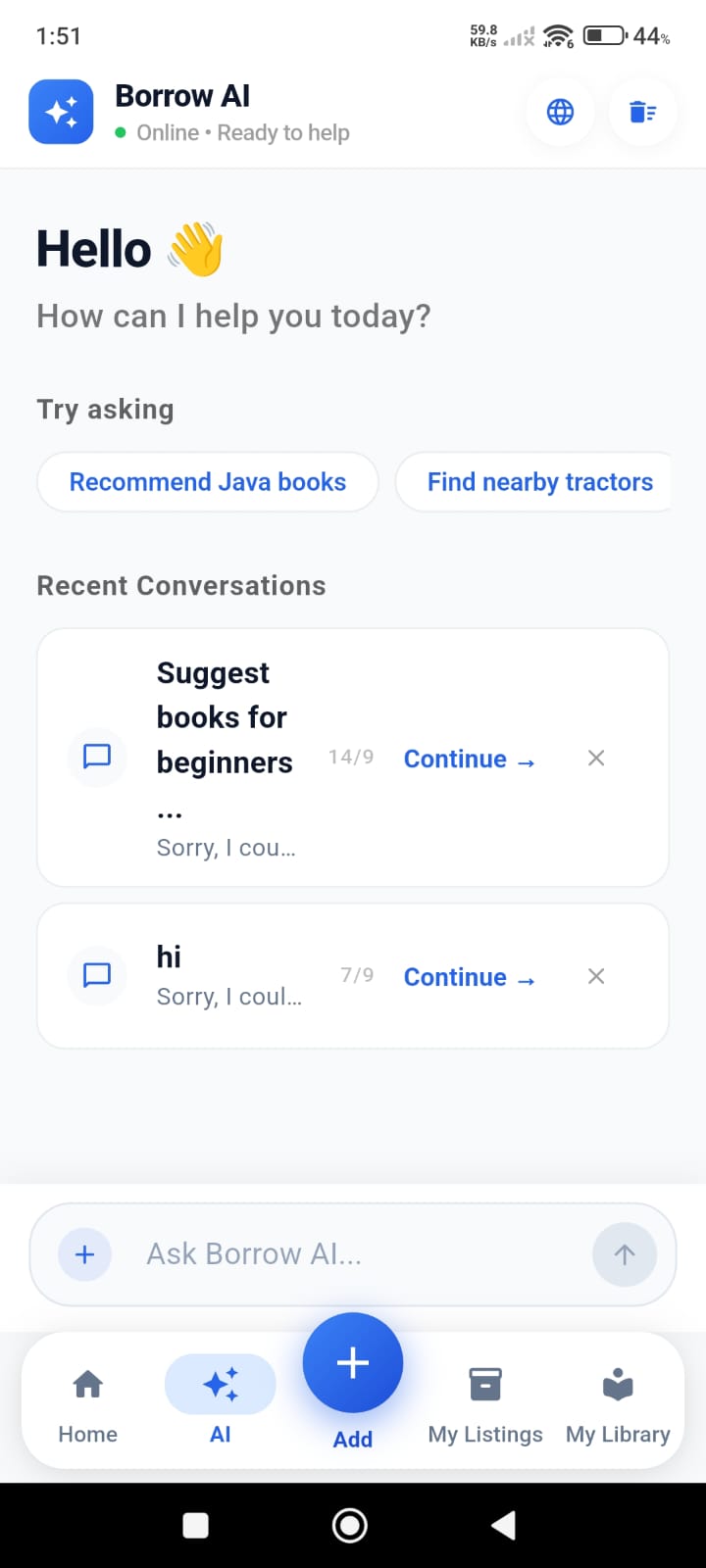
- In-app Borrow AI assists with query suggestions and recent topics.
In-Person Handover & 2-Way Check
Meet in a convenient, well-lit public space (such as a campus library, cafe, or student union). Inspect the item together against the listed condition notes. The loan activates only once both borrower and lender confirm in the app.
- Synchronized digital confirmation prevents unverified handovers.
- Direct peer-to-peer community sharing.
Timely Return & Completion
Meet again on or before the agreed return date. The owner performs a quick condition check, and both users tap complete in the app.
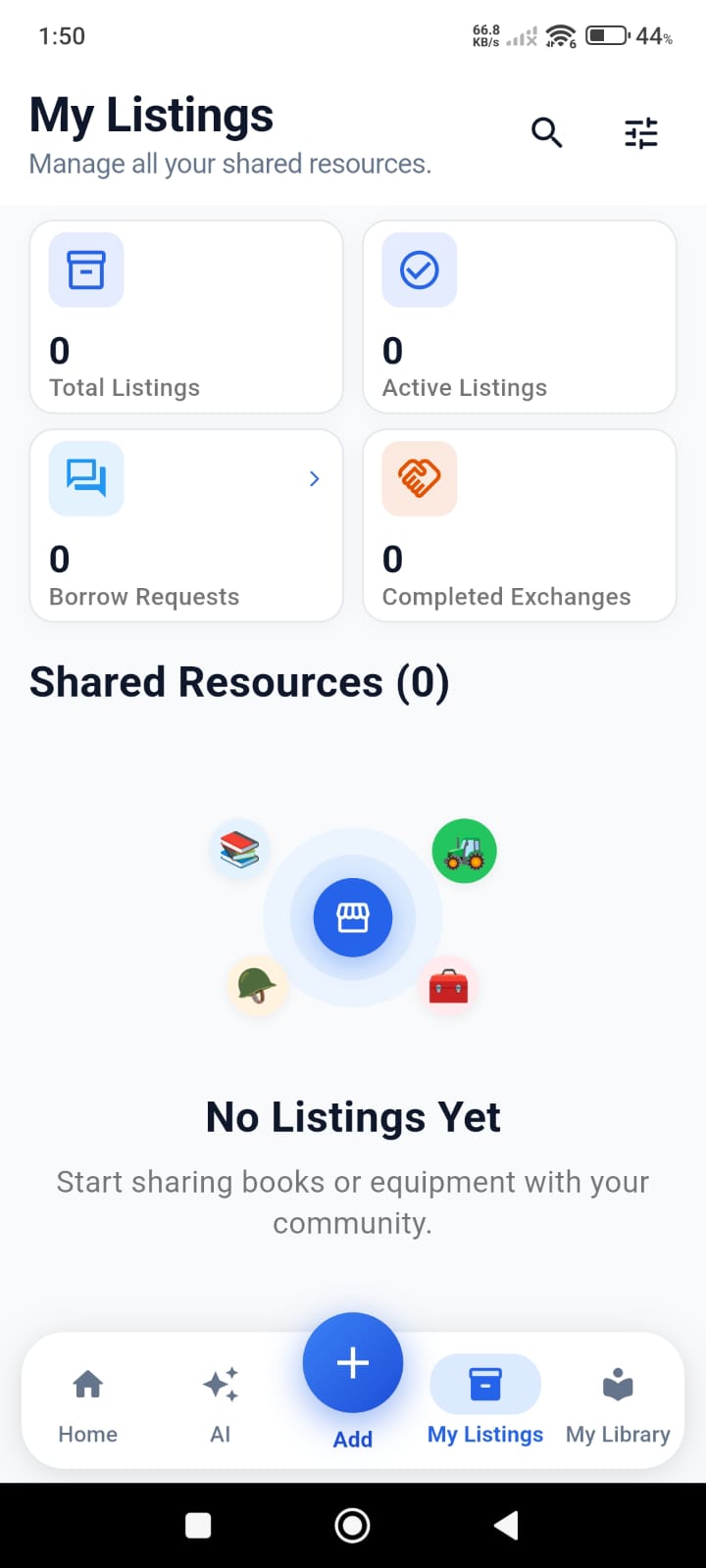
- Verified completed exchanges maintain trusted community standing.
- Items return immediately to available inventory for future sharing.
Have questions about borrowing safely?
Check our comprehensive listing rules or contact support.